Contents
Overview
WordSolverUK is a computer program designed to help solve puzzles, crosswords and other such entertaining pastimes. It has a Word search facility (with letters missing like those seen in crosswords) a Thesaurus with approximately 2 million cross references and an Anagram solver. Version 4 onwards has extras such as Capital cities of the world, major Lakes, Mountains, Rivers, Prime Ministers (UK) and Presidents (USA) + many others all of which turn up in various puzzles from time to time.
Buttons on the
WordSolverUK window
To get started, enter a word or
part of a word in the program text box at the top of the WordSolverUK window
(shown below).

Once a word, or part of, has been
entered (use * for missing letters e.g. elep*ant)
click on a button below for help on a particular option
.


Exit
The easy button; this will close the program down.
About
Displays an About Box that contains contact details of the Author
.
Clear
This button will clear the text box and the list boxes (same as when the program first starts).
Anagram
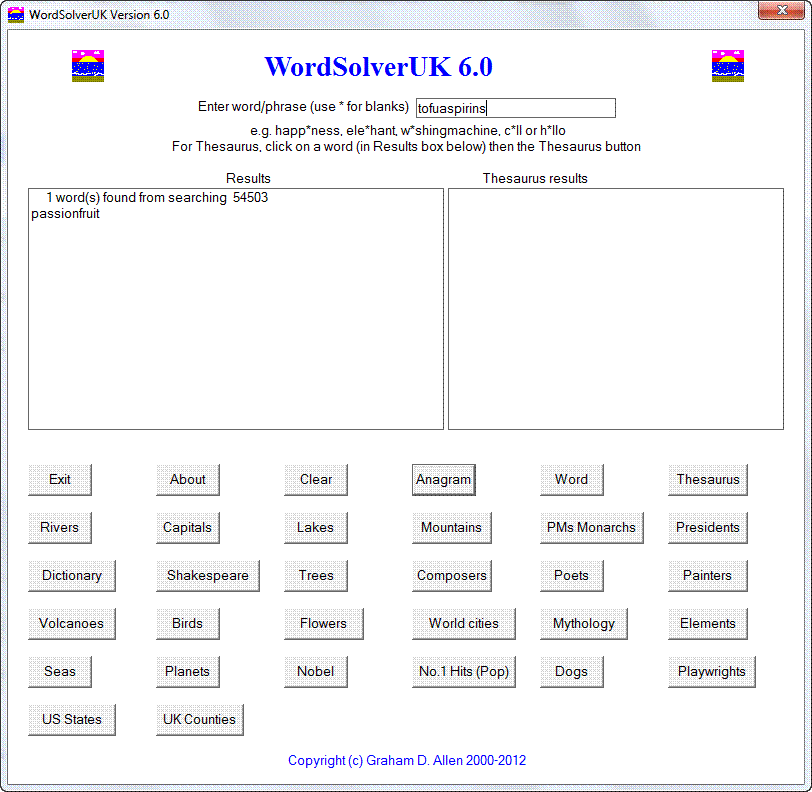
Enter the whole phrase or word into the text box and this button should find an Anagram e.g. tofuaspirins would generate passionfruit (don’t enter blanks or *).
Example:
Word
Enter a word or part of into the text box using * for missing letters e.g. was*i**ma**ine, then click the Word button in the WordSolverUK window and the result; washingmachine will be generated. If the Word isn’t found it might be worth trying a singular or plural form. Also note that the program doesn’t use blank spaces on input or output so a phrase such as good morning should be entered as goodmorning or as g**dmorn*** if doing a crossword etc.
Example:

Thesaurus
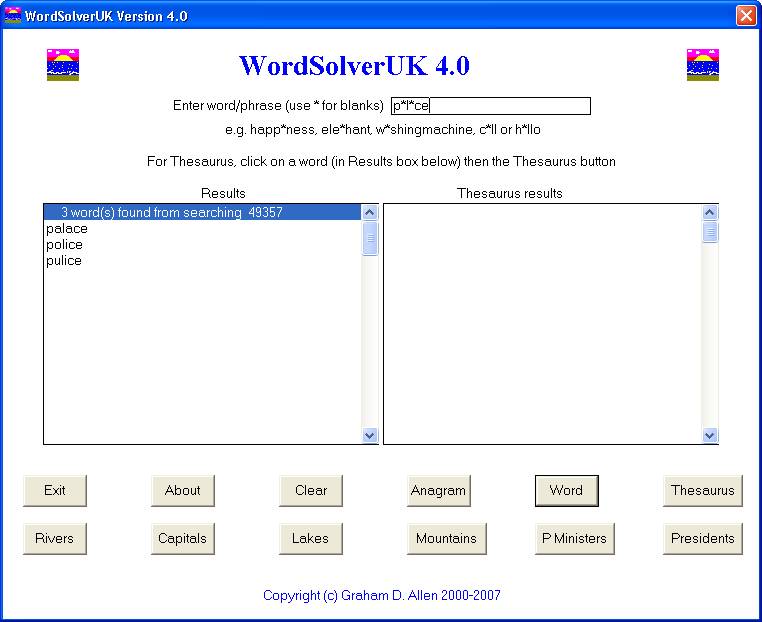
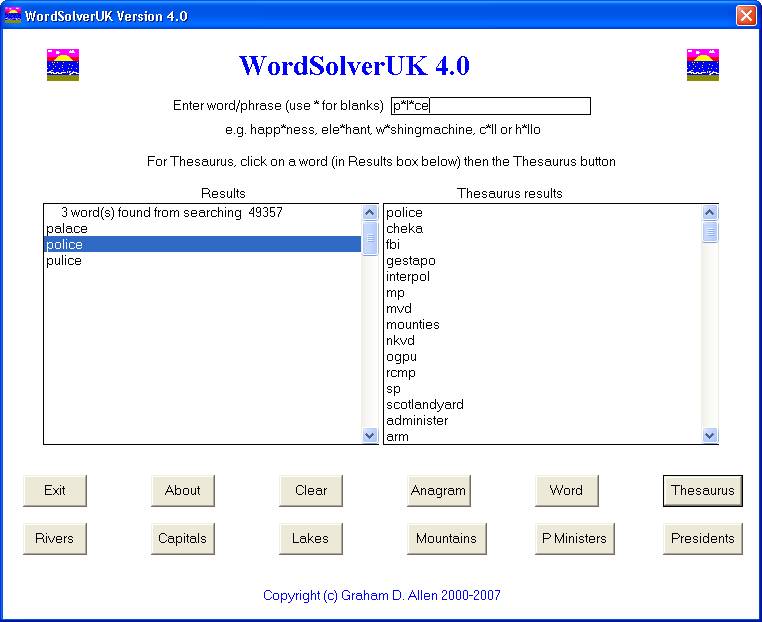
After using the Word button, select one of the results found (in the left results box on the WordSolverUK window) and then click the Thesaurus button. The alternative words found by the program will be displayed in the right text box of the program window. As an example, try entering the following: p*l*ce and then click the Word button. The results will be displayed as follows;
Then select the Word police and click the Thesaurus button. The results will then be shown as follows:
Rivers
To use this option, enter the name of a river (or part of a river name) into the text box on the main program window and then click the Rivers button.
Example, enter sha and click Rivers button.

Capitals
Enter a country or Capital city (or part of) into the text box in the main window and click Capitals.
Example 1, enter
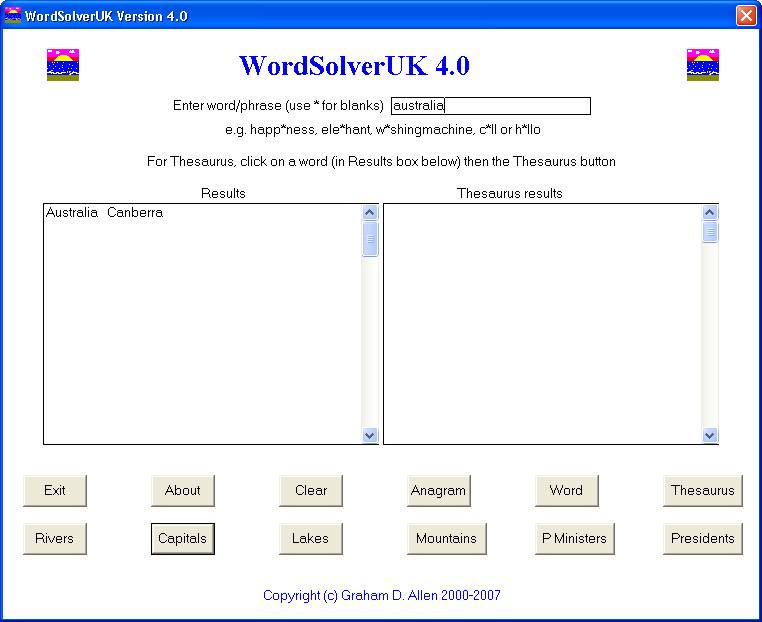
Example 1, enter
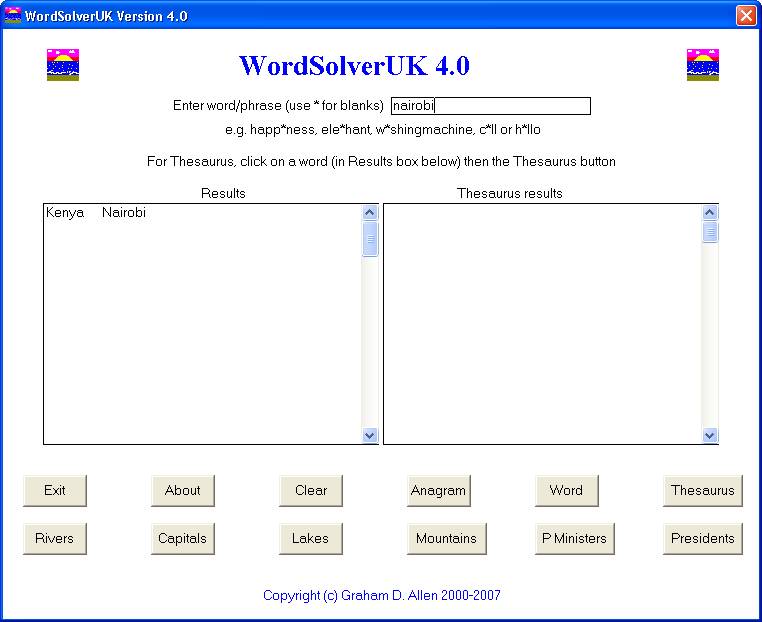
Lakes
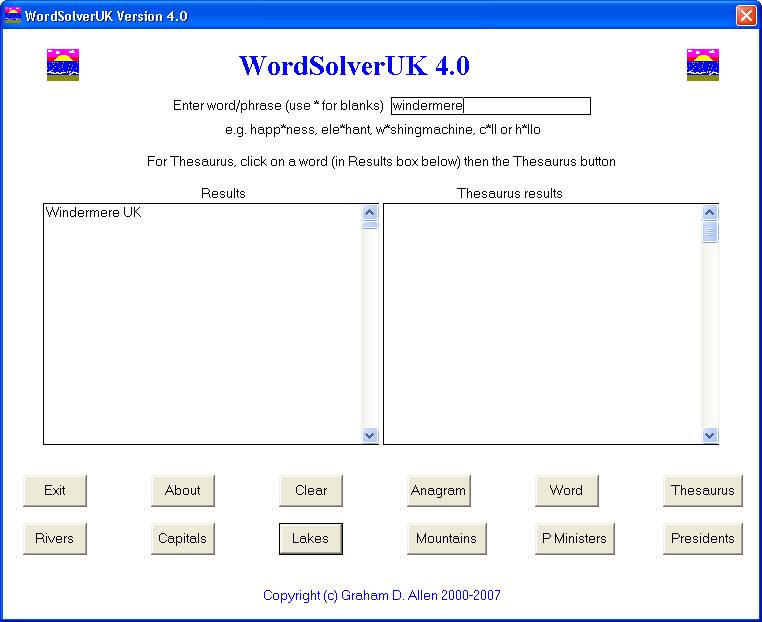
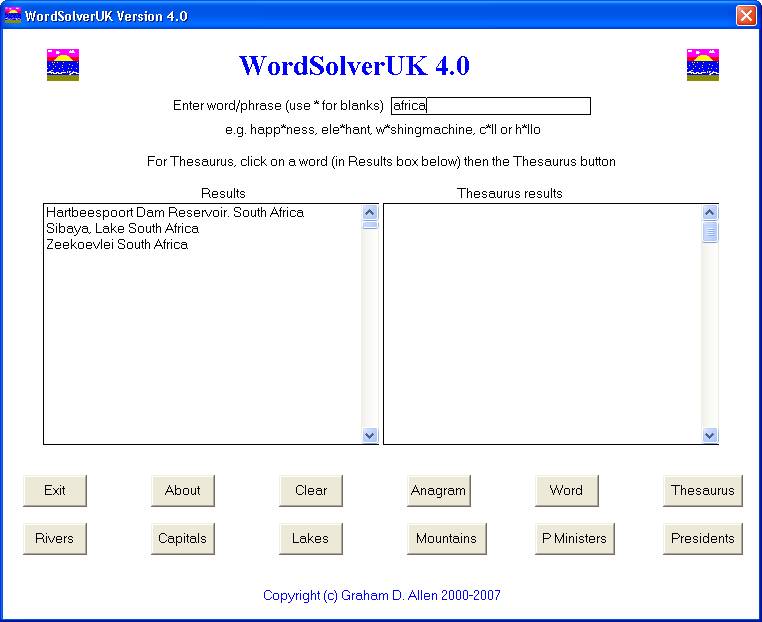
Enter a lake or country/continent (or part of) into the main window text box and click the Lakes button.
Example 1: enter windermere and then click Lakes button
Example 2: enter
Mountains
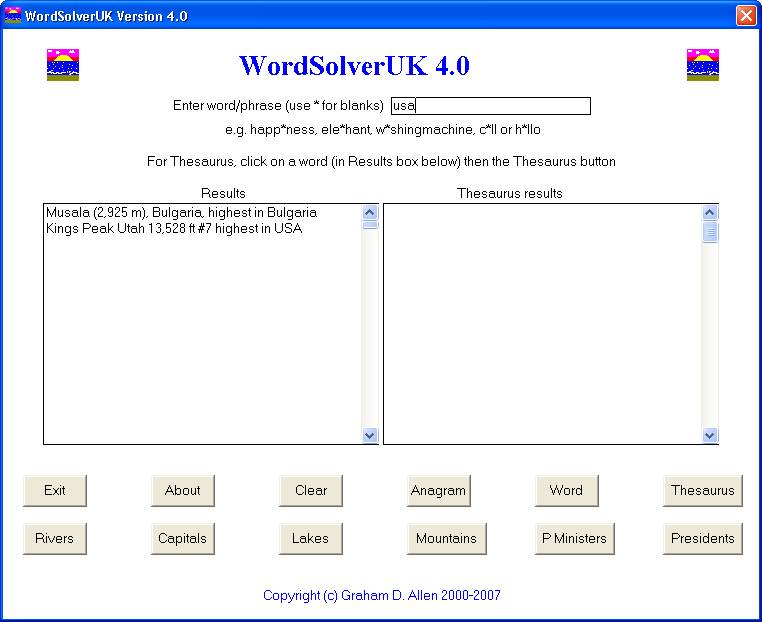
Enter a mountain or country/continent (or part of) into the main window text box and click the Mountains button.
Example 1: enter

Example 2: enter
Prime
ministers
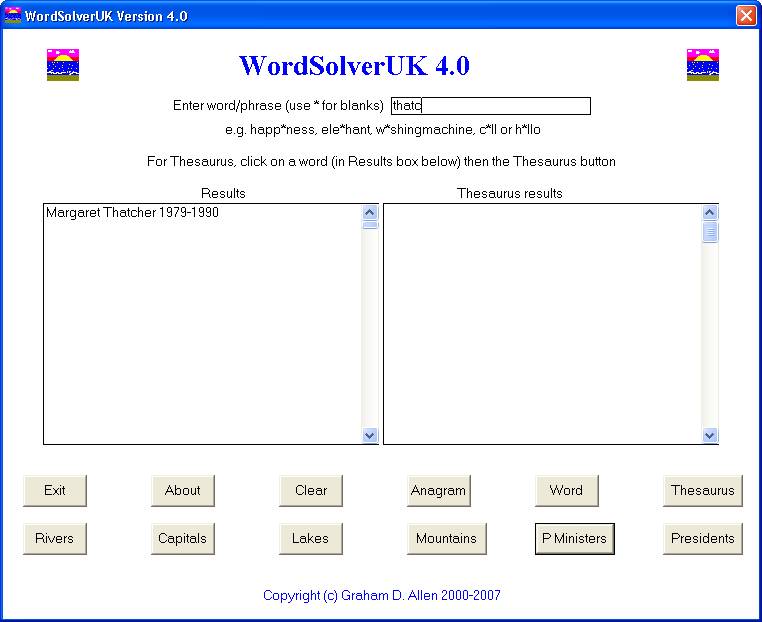
For
Example 1: enter thatc and click the P Ministers button. You know who will be displayed!
Example 2: enter 17 and click the P Ministers button. The PM’s from the 18th century should be displayed.

Presidents
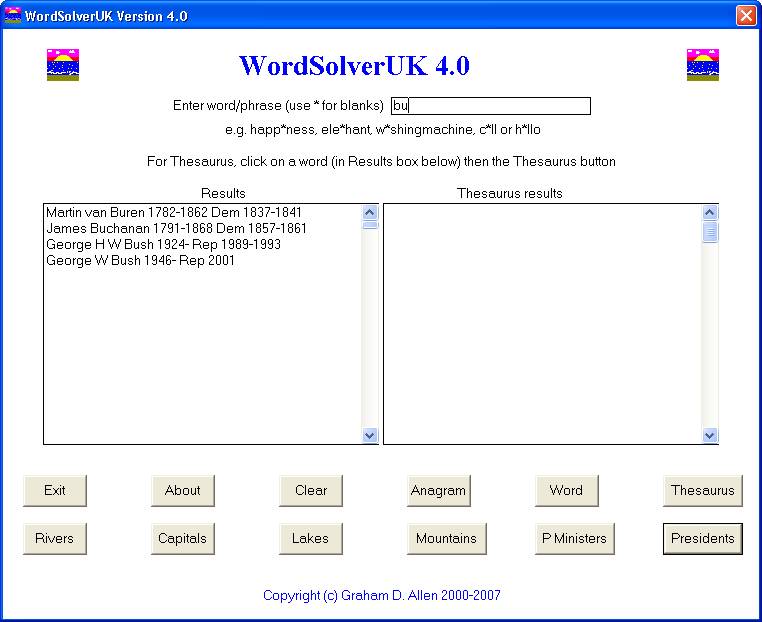
For
Example 1: enter bu and click the Presidents button. You know who will be displayed amongst others!
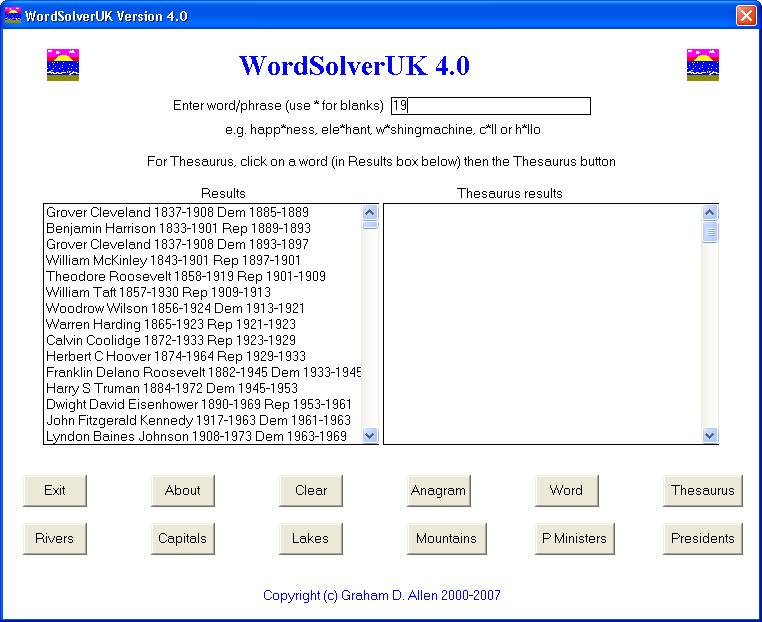
Example 2: enter 19 and click the Presidents button. The Presidents with 19 in the year will be displayed.